
Tips for Organising a Clutter-Free and Efficient Home Workspace
Creating an efficient home workspace is essential, especially as more people work remotely or spend time on personal projects at home. A clutter-free environment not only looks better but can significantly improve focus and productivity. If your current workspace feels chaotic or uninspiring, don’t worry—there are simple steps you can take to create a more organised and pleasant work area.
Why a Clutter-Free Workspace Matters
A tidy and well-organised workspace reduces stress and minimises distractions, allowing you to concentrate on your tasks more easily. Clutter can cause feelings of overwhelm and even lower motivation, making it harder to maintain a consistent work routine. By establishing good organisation habits, you’ll find it easier to locate your materials, reduce wasted time, and create an environment that encourages creativity and efficiency.
Choosing the Right Location
Begin by selecting a space in your home that suits your work needs. Ideally, this should be a quiet area with good natural light. Avoid high-traffic zones where you might be frequently interrupted. The right spot can make a huge difference in maintaining your focus throughout the day.
Essential Elements of an Efficient Workspace
Before diving into organisation, consider these basic components for your home workspace:
– Desk: Choose a desk large enough to accommodate your computer, writing space, and any essential tools.
– Chair: Invest in an ergonomic chair that supports good posture.
– Lighting: Good lighting reduces eye strain. Natural light is best, supplemented by adjustable desk lamps.
– Storage: Use shelves, drawers, or organisers to keep supplies handy but out of the way.
Tips for Organising Your Workspace
1. Declutter Regularly
Start by removing everything from your workspace. Sort through papers, stationery, and gadgets, deciding what to keep, file, recycle, or discard. Doing this regularly prevents items from piling up and keeps your desk clear.
2. Use Storage Solutions
Smart storage is key to maintaining organisation:
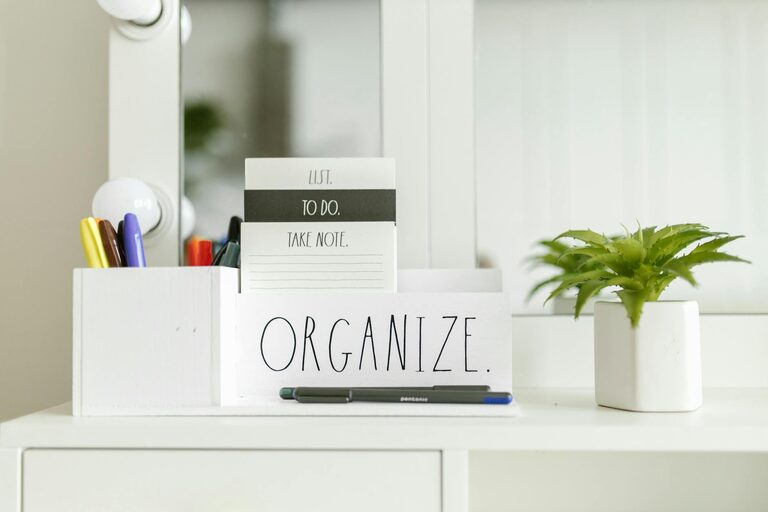
– Desk Organisers: Use trays, pen holders, or small drawers for daily-use items.
– Filing Systems: Label folders clearly for documents you need to keep.
– Shelves and Bins: Store items you use less frequently neatly on shelves or in labelled boxes.
3. Keep Cables Under Control
Cable clutter is a common issue. Use cable ties, clips, or sleeves to bundle cables neatly behind or under your desk. This not only improves the look but also reduces tripping hazards.
4. Adopt a Minimalist Approach
Limit what stays on your desk surface. Keep only the necessities out, such as your computer, a notebook, and a few essential pens. Store other items to avoid visual overload.
5. Personalise Mindfully
Adding a personal touch helps make the space enjoyable without creating clutter. A small plant, a framed photo, or an inspiring quote can lift your mood without taking up too much space.
6. Maintain a Daily End-of-Day Routine
At the end of each workday, spend a few minutes tidying your desk. File papers, clear your desktop, and prepare your space for the next day. This habit keeps clutter from accumulating and helps you start fresh each morning.
Digital Organisation
An organised digital workspace is just as important:
– Declutter Your Desktop: Remove unnecessary files and organise documents into folders.
– Use Cloud Storage: Keep backups and access files from any device.
– Manage Emails: Regularly sort and delete emails to prevent inbox overload.
Ergonomics and Comfort
Efficiency isn’t just about organisation—it also involves comfort. Position your screen at eye level to avoid neck strain, and keep your wrists straight while typing. Take regular breaks to stretch and rest your eyes.
Final Thoughts
A clutter-free and efficient home workspace is achievable with intentional planning and simple routines. By choosing the right location, investing in practical storage, and committing to regular tidying, you can create an environment that supports productivity and wellbeing. Start small, be consistent, and enjoy the benefits of a workspace that works for you.
